Best Robot Toys for Kids That Teach STEM
We may earn a commission for purchases made using our links. Please see our disclosure to learn more.
Finding the right robot toys for kids can feel a little like shopping for a tiny engineer who also wants to press every button in the house. You want something fun, but you also want it to teach real skills. Not just blink, dance, make loud noises, and then end up forgotten under the couch with a missing wheel.
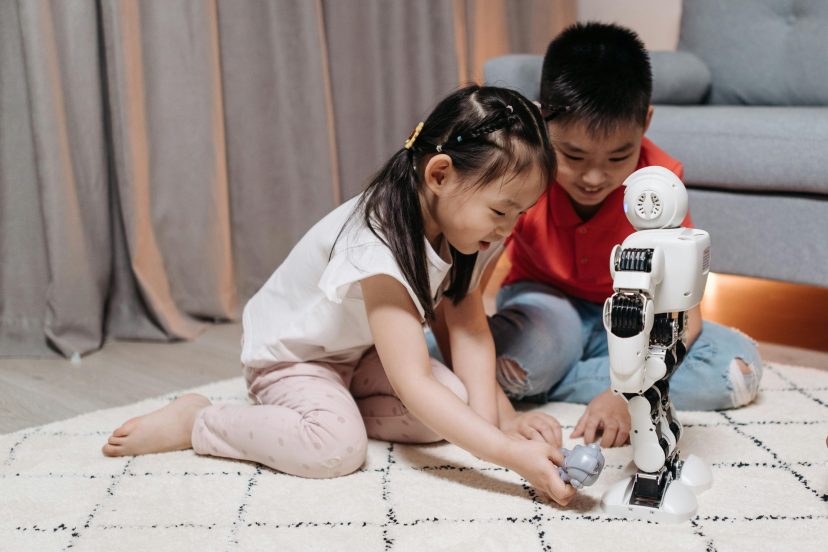
The good news? The right robot toy can turn STEM learning into hands-on play. Kids can build, test, code, problem-solve, and laugh through the messy parts. True learning occurs there.
In this guide, you will learn how to choose the best robot toys for kids, what features actually matter, which products are worth considering, and how to turn robot play into meaningful STEM learning at home.
Why Robot Toys for Kids Are Great for STEM Learning
Robot toys make big ideas feel small enough to hold.
Coding can sound intimidating, even to adults. But when a child presses a button and sees a robot move forward, turn left, or stop at the wrong spot, coding suddenly becomes real. It is not just a word on a screen. It is action.
That is why robot toys for kids are such useful STEM learning tools. They help children understand cause and effect, sequencing, patterns, logic, and problem-solving through play.
A robot toy can teach a child that:
- Instructions matter
- Order matters
- Mistakes give clues
- Testing is part of learning
- There is usually more than one solution
That last part is especially important. STEM is not about being perfect. It is about staying curious long enough to figure things out.
What Makes a Robot Toy Worth Buying?
Not every robot toy is worth your money. Some look exciting in photos but offer very little learning once the novelty wears off.
A good STEM robot toy should do more than move around. It should invite your child to make decisions.
Look for features like:
- Age-appropriate coding activities
- Clear instructions
- Durable parts
- Open-ended challenges
- Beginner-friendly controls
- Room for skill growth
- Safe materials and age ratings
- Replay value
The best robot toys for kids do not just entertain. They encourage kids to ask, “What happens if I try this?”
That simple question is the heartbeat of STEM learning.
STEM Skills Kids Can Learn From Robot Toys
Good educational robot toys can support several important skills at once.
Kids can practice:
- Sequencing
- Logical thinking
- Spatial awareness
- Pattern recognition
- Basic coding
- Engineering design
- Creative problem-solving
- Collaboration
- Persistence
That last skill deserves extra love. When a robot does not follow the path correctly, kids have to pause, think, adjust, and try again.
That is debugging.
And yes, it may come with dramatic sighs, floor flopping, and the occasional “This robot hates me.” But that frustration can turn into confidence when the child finally gets it right.
Best Robot Toys for Kids on Amazon
Below are five popular Amazon robot toys for kids that fit different ages, budgets, and learning goals.
1. Learning Resources Code & Go Robot Mouse Activity Set
For younger children, the Learning Resources Code & Go Robot Mouse Activity Set is an excellent beginning toy. It introduces coding without screens, apps, or complicated setup.
Children build a maze, plan a route, and program the robot mouse to reach the cheese. It feels like a game, but it teaches sequencing, direction, and early problem-solving.
Features:
- Screen-free coding
- Maze-building pieces
- Directional coding cards
- Beginner-friendly buttons
- Great for ages 4+
Use cases:
This is ideal for preschoolers, kindergarteners, and early elementary kids who are new to STEM toys. It is also helpful for parents who want less screen time but still want meaningful learning.
2. Learning Resources Botley 2.0 Coding Robot Activity Set
Botley 2.0 is another strong screen-free option, but it offers more variety than many beginner robots. Kids can code Botley to move, avoid objects, follow paths, and complete challenges.
It is playful, simple, and flexible enough for repeated use.
Features:
- Screen-free coding
- Obstacle detection
- Coding cards
- Activity pieces
- Light-up and movement features
Use cases:
Botley 2.0 works well for kids who already understand simple directions and want more challenge. It is great for homeschool lessons, classroom centers, or family STEM nights.
3. Sphero Mini Coding Robot Ball
The Sphero Mini is small, fast, and surprisingly powerful for its size. Kids can drive it, play games, and code it using the Sphero Edu app.
It supports different coding levels, including drawing paths, block coding, and text-based JavaScript. That makes it a nice bridge between playful robot toys and more serious coding practice.
Features:
- App-enabled coding
- Gyroscope and accelerometer
- LED lights
- Drive and game modes
- Multiple coding options
Use cases:
Sphero Mini is best for kids who are ready for app-based learning. It works well for obstacle courses, coding challenges, and creative STEM projects.
4. Makeblock mBot Robot Kit
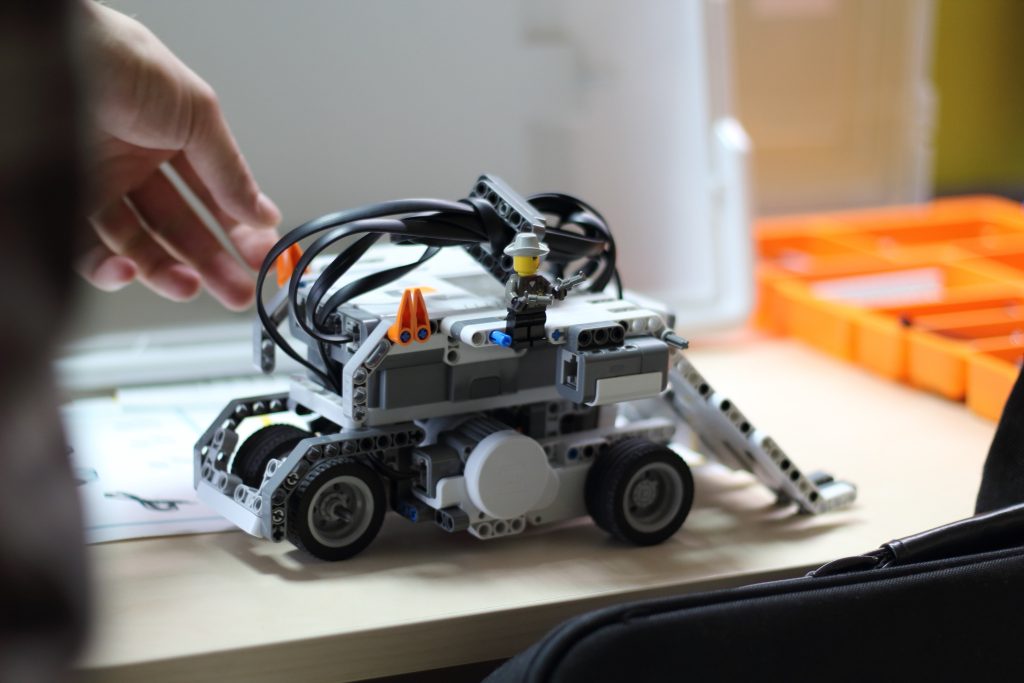
The Makeblock mBot Robot Kit is a better fit for kids who enjoy building things from scratch. It combines robotics, coding, electronics, and engineering in one hands-on kit.
Kids can build the robot, connect parts, and program it using beginner-friendly coding tools. It also supports Scratch-style coding and more advanced learning paths.
Features:
- Buildable robot kit
- Scratch coding support
- Arduino learning potential
- Sensors and motors
- Hands-on engineering practice
Use cases:
mBot is ideal for older kids who like building, tinkering, and figuring out how things work. It is a strong pick for STEM clubs, homeschool robotics, and curious kids who want more than push-button play.
5. Wonder Workshop Dash Robot
The Wonder Workshop Dash Robot is a polished, interactive robot designed for coding play. It comes ready to use, which is helpful if your child wants to start quickly without building a robot first.
Dash can respond to voice, move around, make sounds, and complete coding challenges through compatible apps.
Features:
- Interactive movement
- Voice response
- App-based coding
- Multiple challenge modes
- Classroom-friendly design
Use cases:
Dash is great for kids who enjoy guided coding activities. It works well at home, in classrooms, and for children who like playful, personality-filled tech toys.
How to Choose the Right Robot Toy
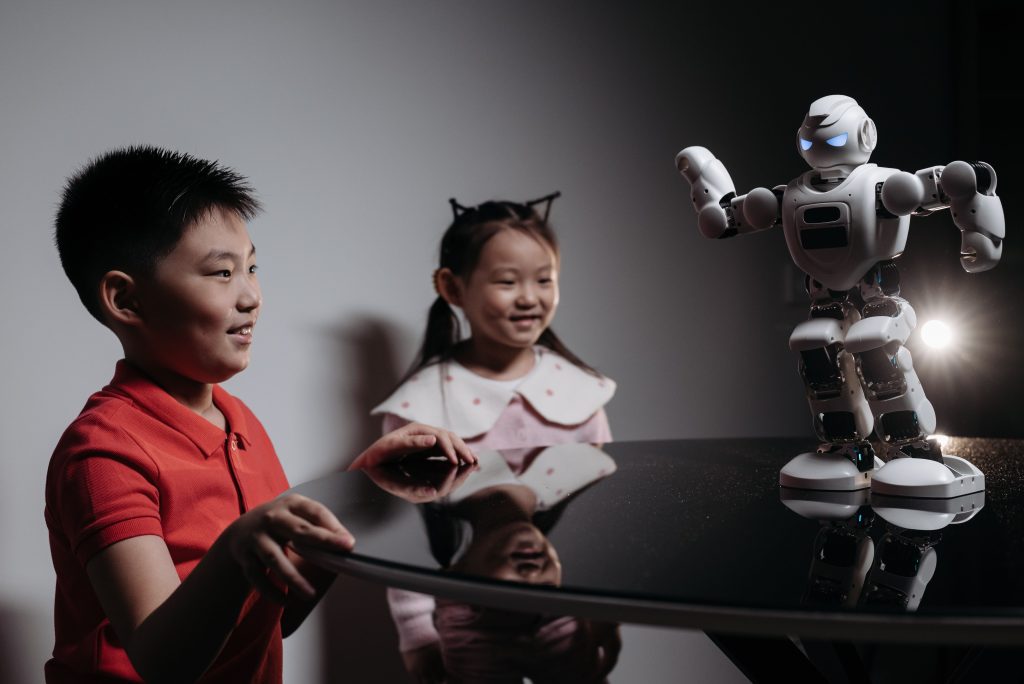
Before buying, think about your child’s personality.
Some kids love building. Others would rather start playing immediately. Some enjoy puzzles. Others want a robot that feels like a little buddy.
Ask yourself:
- Does my child enjoy building or prefer ready-made toys?
- Do we want screen-free play?
- Will this toy grow with my child?
- Is the setup simple enough?
- Does it teach real STEM skills?
- Can my child use it independently?
For a cautious child, choose a simple robot with clear steps. For a tinkerer, choose a buildable kit. For a game-loving child, choose an app-based robot with challenges.
The best option isn’t usually the most sophisticated one. It is the one your child will actually use.
Screen-Free vs App-Based Robot Toys
Screen-free robot toys are great for younger children. They teach logic through buttons, cards, paths, and movement. Kids can physically see what each command does.
App-based robot toys usually offer more depth. They may teach loops, variables, conditions, block coding, and even text-based programming.
Screen-free toys are like training wheels. App-based toys are like moving onto a bigger bike with gears.
Both can be valuable.
Choose screen-free if:
- Your child is younger
- You want less screen time
- You prefer simple setup
- Your child learns best through hands-on movement
Choose app-based if:
- Your child is older
- They enjoy digital games
- You want deeper coding features
- They are ready for longer challenges
Research-Backed Benefits of Educational Robotics
Robot toys are fun, but do they actually help kids learn?
Research suggests they can, especially when adults guide the activity with questions and challenges.
A 2024 educational robotics in STEM education meta-analysis reviewed studies from 2010 to 2022 and found that educational robotics had a moderate positive effect on STEM learning. The review also found benefits for learning performance and student attitudes.
However, the findings were more mixed for computational thinking. That means robot toys work best when kids do more than watch the robot move. They need to plan, test, fix mistakes, and reflect.
A 2023 study on robot programming and children’s spatial reasoning found that guided robot play can support young children’s spatial reasoning and computational thinking. The study also highlighted the role of adult guidance.
In simple terms, your questions matter.
When you ask, “Why do you think the robot turned there?” you turn a toy into a learning moment.
How Parents Can Turn Robot Play Into Real Learning
You do not need to be a coding expert. Really.
You can support STEM learning by asking simple questions:
- “What do you think will happen?”
- “Can we make the robot take fewer steps?”
- “Why did it stop there?”
- “What should we test next?”
- Could you tell me about your plan?”
Kids can slow down and reflect by answering these questions.
You can also connect robot play with basic science habits. For example, ask your child to make a prediction, run a test, observe what happens, and change one thing. That is the scientific method in kid-friendly form.
For more hands-on ideas, try these easy scientific method experiments for kids and pair them with robot challenges at home.
Fun Robot Toy Activities to Try at Home
You can get more value from robot toys for kids by adding simple challenges.
Try these:
- Build a maze with blocks or books
- Create a rescue mission for a small toy animal
- Make the robot deliver a note across the room
- Time how long it takes to finish a route
- Design a “robot city” with paper roads
- Create a coding treasure hunt
- Build an obstacle course with pillows
You can also invite siblings or friends to join. One child can design the route. Another can program the robot. Another can check for mistakes.
That turns play into teamwork.
Common Mistakes to Avoid
The first mistake is buying a robot that is too advanced.
It is tempting to choose the fanciest kit, especially when the box promises big learning outcomes. But if the toy feels too hard, your child may lose interest quickly.
The second mistake is choosing a toy that only performs tricks. A robot that dances on command may be fun, but it may not teach much unless kids can program, build, or problem-solve with it.
The third mistake is doing everything for your child. It is okay to help, but try not to take over. Give hints instead of answers.
Say, “What could we try next?” instead of “Here, let me fix it.”
Robot Toys for Classrooms and Homeschool
Robot toys can work beautifully in classrooms, homeschool settings, co-ops, and after-school programs.
For classrooms, choose durable robots with repeatable activities. Screen-free coding robots are especially useful for small group rotations.
For homeschool, robot toys can turn a regular lesson into a hands-on challenge. You can connect them to math, science, storytelling, and engineering.
For example:
- Use a robot maze to teach directions
- Create a story where the robot is the main character
- Measure distance traveled
- Build bridges or tunnels
- Test different surfaces
That is the beauty of STEM learning. One toy can connect to many subjects.
Safety and Setup Tips Before You Buy
Before buying any robot toy, check the age rating, small parts warning, battery needs, and app requirements.
Also consider:
- Does it need Wi-Fi?
- Does it work with your device?
- Are replacement parts available?
- Does it require adult assembly?
- Is the app child-friendly?
- Are batteries included?
For younger kids, supervise play and keep small pieces away from toddlers or pets. If the robot uses an app, review privacy settings and permissions before handing it over.
A little setup check can save a lot of frustration later.
FAQs About Robot Toys for Kids
What are the best robot toys for kids who are beginners?
The best beginner robot toys are simple, screen-free options like the Learning Resources Code & Go Robot Mouse or Botley 2.0. They teach sequencing, direction, and problem-solving without complicated setup.
Are robot toys good for STEM learning?
Yes, robot toys can support STEM learning when kids actively build, code, test, and solve problems. They work best when adults ask guiding questions and encourage kids to explain their thinking.
What age should kids start using coding robots?
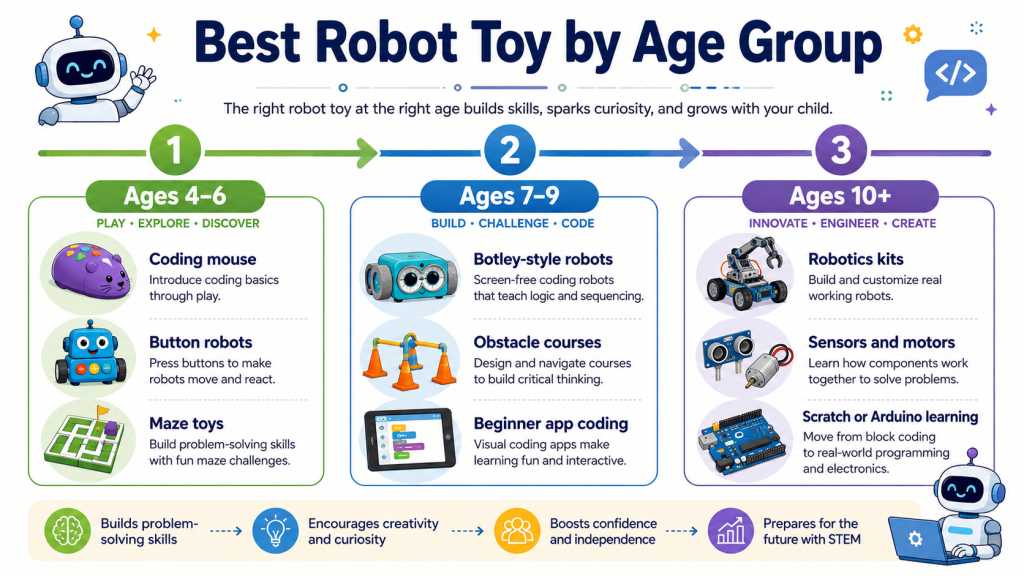
Many children can begin using basic screen-free coding robots at the age of four. Older kids, around ages 8 and up, may be ready for app-based coding robots, robotics kits, and beginner programming projects.
Do robot toys teach real coding?
Some robot toys teach real coding concepts. Beginner toys teach sequencing and debugging, while app-based robots may teach block coding, loops, conditions, and even text-based programming.
Which robot toy is best for a child who loves building?
The Makeblock mBot Robot Kit is a strong choice for kids who enjoy building. It combines robotics, coding, electronics, and engineering, making it ideal for hands-on learners.